Recruiter AI & Analytics
An assistant on your portfolio that answers from your CV, and tells you who visited.
Take the tour
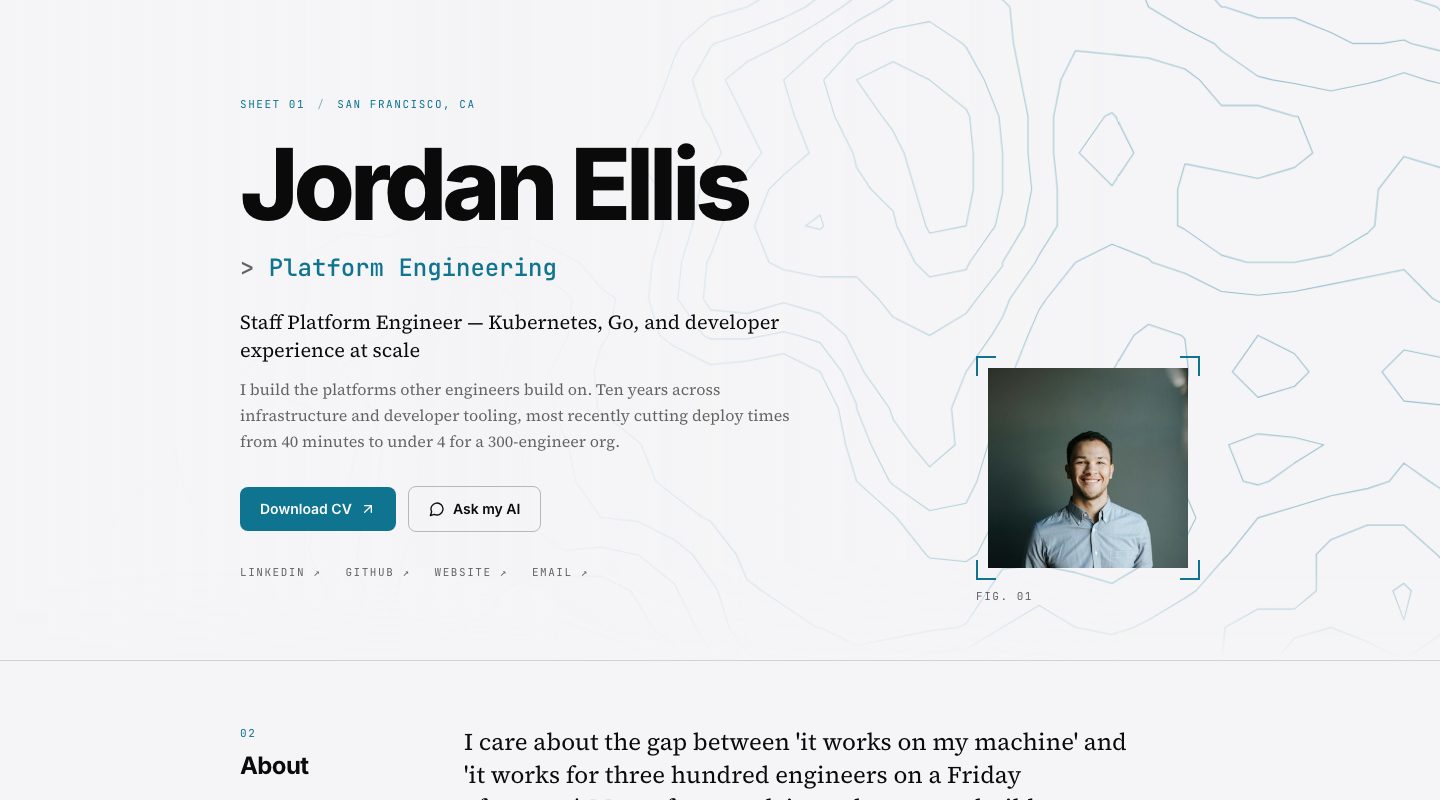
A real portfolio template, shown with an example profile.
What you get
Answers from your CV, nothing else
If a fact is not in your CV or bio, the assistant says it does not have that detail and points the recruiter to you. It does not invent.
Always on
Recruiters get an answer at any hour, in a conversation instead of a PDF.
See what happened
Recruiter Analytics shows views, unique visitors, chat sessions and time on page. Leads who share an email mid-chat appear in your Agent inbox.
How it works
- 01
Publish your portfolio
The assistant is part of it. It reads the CV and bio you already added.
- 02
A recruiter asks
Questions are answered in your voice, briefly, from what you have written.
- 03
You follow up
Check analytics and your agent inbox, then reply to the people who showed interest.
Questions
Will it make things up about me?
It is instructed to use only your CV and bio, and to say it does not have a detail when the answer is not there.
Can it be tricked into saying other things?
It has defences against attempts to change its role or reveal its instructions, and it only discusses your professional background.
What do I see about visitors?
Totals for views, unique visitors, chat sessions and average time, plus the leads who shared an email in chat.
Is the data in these screens real?
No. The people and numbers are examples; the layout is the real dashboard.